Data Recovery
Data Recovery in Dumfries
Recovering documents, photos and other files from damaged, corrupted or failing drives.
- Drop-off service
- Qualified & insured
- 20+ years in IT
- 4.9★ from 50+ Google reviews
Losing family photos or important documents is stressful. In many cases the files are still on the drive and can be recovered, as long as the drive isn’t used any more in the meantime.
I assess the drive first and tell you honestly what’s likely to be recoverable. Some physically damaged drives need a specialist clean-room lab. If that’s the case I’ll say so rather than risk making things worse.
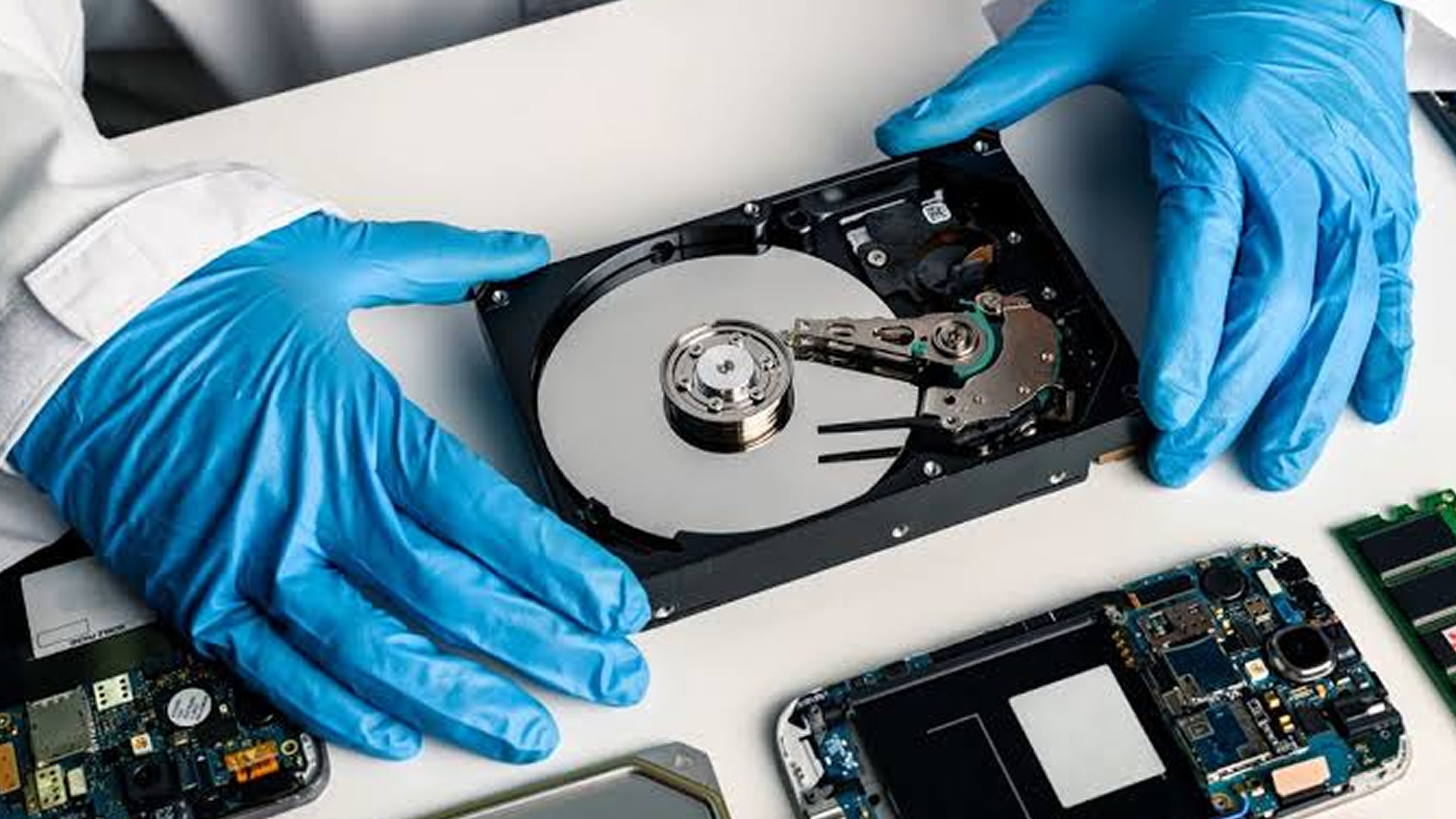
Explained
Where do deleted files actually go?
When a file is deleted, or a drive becomes corrupted, the data usually isn’t wiped straight away. The computer simply forgets where it was and marks that space as free. Until something new is written over it, the file can often still be recovered.
That’s why what you do next matters so much. Carrying on using the computer, installing recovery software or repeatedly restarting a failing drive can overwrite the very files you’re trying to save. The safest move is to stop, switch off, and get the drive looked at.
My promise
- Honest advice, even if it means spending less
- Your files backed up before any major work
- Options and cost explained before I start
Lost files? Do and don’t
The first few minutes can make the difference.
Don’t
- Keep using the computer or drive
- Install recovery software onto the same drive
- Keep restarting a drive that clicks or grinds
- Open the drive or put it in the freezer
Do
- Stop using it straight away
- Switch off and unplug the drive
- Note what happened and when
- Get it assessed before trying anything else
What I do
How I can help
Recovery from dead computers
Getting your files off laptops and PCs that won’t start, and copying them to a new drive or machine.
Deleted and corrupted files
Recovering accidentally deleted files and data from corrupted drives, memory cards and USB sticks.
Failing drive rescue
Carefully copying data off drives that are starting to fail, before they stop altogether.
Backup set-up
Once your files are safe, I set up a simple backup so you’re not in the same position again.
Remote or drop-off? Data recovery needs the drive or device to be dropped off. Can’t get to the shop? I can collect and return it, or visit you at home or work. About remote support
“This guy is a tech genius. I had just about given up hope of getting my laptop working again after a forgotten MS password issue.”
Free advice
Try this first
A few things worth trying yourself before you get in touch. If they don’t do the trick, I’m happy to help.
- 01
Check the Recycle Bin
Recently deleted files often sit there. Right-click and choose Restore.
- 02
Check OneDrive online
If you use OneDrive, sign in at onedrive.com. Its own recycle bin keeps deleted files for a while.
- 03
Try another cable or port
For an external drive that isn’t showing up, a different USB cable or port is worth a quick try.
- 04
Follow 3-2-1 backups
Keep 3 copies of important files, on 2 different types of storage, with 1 kept away from home or in the cloud.
How it works
What happens when you get in touch
- 1
Tell me the problem
Book online, log a job, call or drop in. Describe what’s happening in your own words.
- 2
Honest diagnosis
I find the real cause, whether that’s on a remote session or on the bench.
- 3
Agree before any work
You hear the options and likely cost first. Nothing goes ahead without your OK.
- 4
Fixed, tested, explained
The job is done properly, checked, and explained in plain English.
FAQ
Data Recovery: common questions
More answers on my FAQ page.
What should I do as soon as I realise files are missing?
Stop using the drive straight away. Every time you use it, new data can overwrite the files you’re trying to get back. Don’t install recovery software on the same drive.
Can every drive be recovered?
No, and anyone who promises that isn’t being straight with you. I’ll assess the drive and give you an honest view before any work starts.
Are my files kept private?
Yes. Recovered data is handled confidentially and only used to get your files back to you.
You might also need
Related services
Windows Repairs
Fresh installs, update problems, failed boots and general Windows faults.
Find out moreSpeed Up Your Computer
Get a slow laptop or PC running fast again with SSD upgrades, tune-ups and clean installs.
Find out moreSet-up, Wi-Fi & Printers
New computer set-up, Wi-Fi, printers, software faults and everyday help.
Find out more
Computer giving you trouble? Let’s get it sorted.
Give me a call. I'm James, and I'll tell you straight whether it needs remote support, a drop-off or a repair slot. No drama.
Prefer to type it out? Log a job online or message me on Facebook.
Qualified · Insured · 20+ years in IT · Ex-Royal Signals · 4.9★ from 50+ Google reviews