Speed Up Your Computer
Speed Up Your Slow Computer or Laptop
Get a slow laptop or PC running fast again with SSD upgrades, tune-ups and clean installs.
- Remote or drop-off
- Qualified & insured
- 20+ years in IT
- 4.9★ from 50+ Google reviews
A slow computer is the most common problem I see, and it can usually be made fast again without buying a new machine. The cause is often an old spinning hard drive, too many programs starting up, a full disk, or years of build-up from updates and software.
I find out what is actually slowing it down first, then tell you plainly what will make a real difference and what won’t be worth the money.
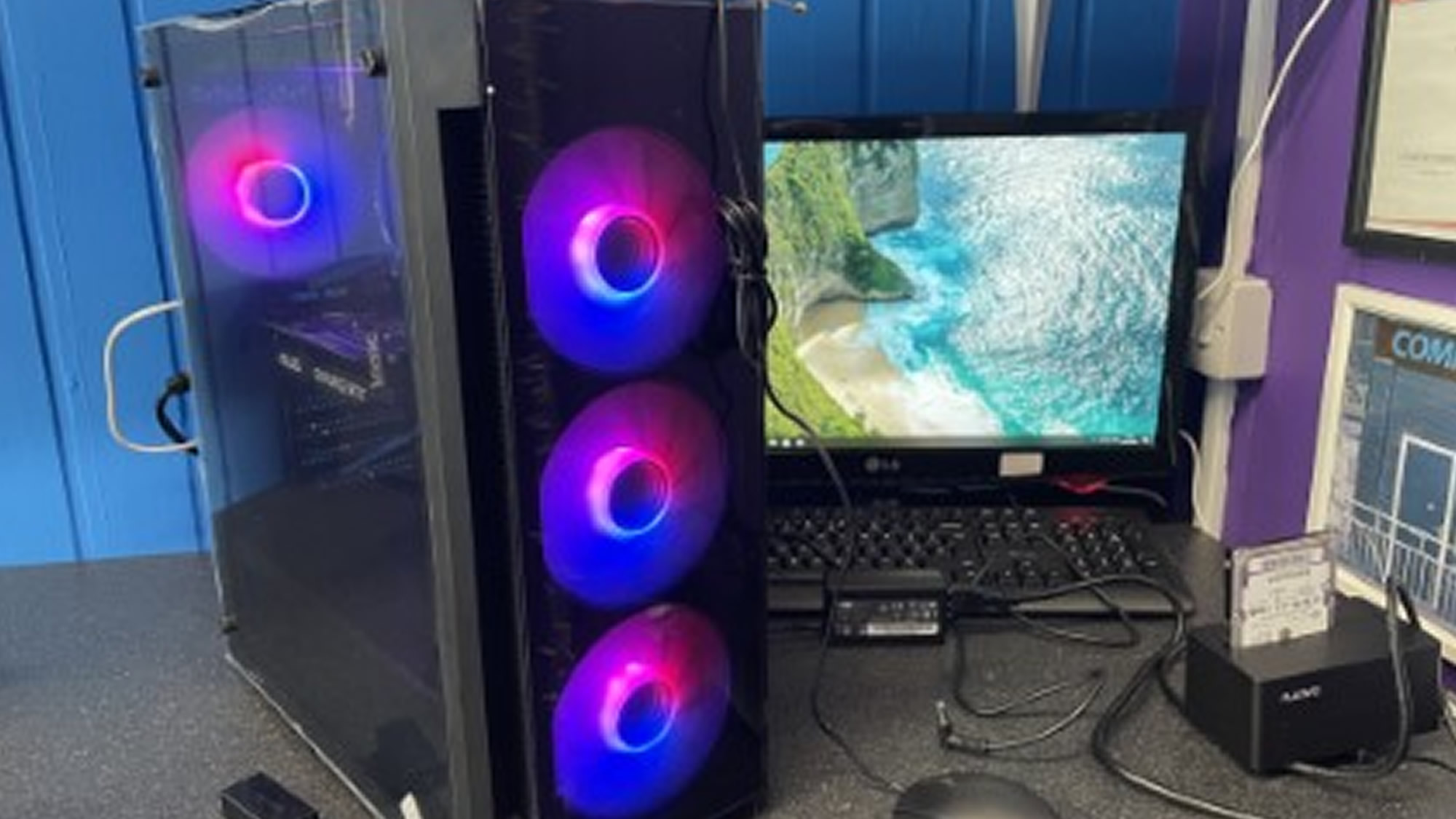
Explained
Why computers slow down over time
Computers rarely get slower because the processor wears out. They slow down because the work they’re asked to do keeps growing while the parts stay the same. Every program you install wants to start with Windows, check for updates and run in the background. Windows itself gets bigger with every update. Many older laptops and PCs, especially budget models, still use a mechanical hard drive, which simply can’t keep up with modern Windows.
That’s why the fix is usually a mix of two things: clearing out what doesn’t need to be running, and upgrading the one part that holds everything else back. For most older machines that part is the hard drive, and replacing it with a solid-state drive (SSD) is one of the most cost-effective upgrades you can make.
My promise
- Honest advice, even if it means spending less
- Your files backed up before any major work
- Options and cost explained before I start
Old hard drive vs SSD
The single biggest difference for most slow laptops and PCs.
Mechanical hard drive
- Spinning disc with moving parts
- Slow to start Windows and open programs
- Struggles with updates running in the background
- More likely to fail as it ages
Solid-state drive (SSD)
- No moving parts, so silent and robust
- Starts up and opens programs dramatically faster
- Handles updates and multitasking with ease
- Your existing files and programs copied across
What I do
How I can help
SSD upgrades
Swapping an old hard drive for a solid-state drive is often the single biggest speed boost an older machine can get. I copy your existing system and files across so everything is where you left it.
Tune-ups and clean-ups
I remove start-up clutter, unwanted software and junk files, check the drive’s health and get Windows updates working properly again.
Clean installs
When a system is too far gone, a fresh installation of Windows, with your files backed up and restored, gives you a machine that feels new.
Hardware checks
I check memory, drive health and temperatures, and clean out dust where overheating is slowing things down.
Remote or drop-off? Some tune-ups can be done by remote support. SSD upgrades and hardware work need a drop-off. Can’t get to the shop? I can collect and return it, or visit you at home or work. About remote support
“Collected Saturday afternoon delivered completely overhauled and upgraded on Monday afternoon. Absolutely first class service.”
Free advice
Try this first
A few things worth trying yourself before you get in touch. If they don’t do the trick, I’m happy to help.
- 01
Restart properly
Use Restart rather than Shut Down. On Windows 10 and 11, Shut Down doesn’t fully clear things out, but Restart does.
- 02
Trim start-up apps
Open Task Manager (Ctrl + Shift + Esc), go to Start-up apps and disable anything you don’t need running all the time.
- 03
Free up space
Keep at least 15–20% of your drive free. Search for “Disk Clean-up” in the Start menu to clear temporary files safely.
- 04
Check for heat
If the fan roars and the case feels hot, dust may be choking the cooling. Keep vents clear and use laptops on a hard surface.
How it works
What happens when you get in touch
- 1
Tell me the problem
Book online, log a job, call or drop in. Describe what’s happening in your own words.
- 2
Honest diagnosis
I find the real cause, whether that’s on a remote session or on the bench.
- 3
Agree before any work
You hear the options and likely cost first. Nothing goes ahead without your OK.
- 4
Fixed, tested, explained
The job is done properly, checked, and explained in plain English.
FAQ
Speed Up Your Computer: common questions
More answers on my FAQ page.
Is it worth upgrading my old laptop or should I buy a new one?
Many laptops that are five or more years old run very well after an SSD upgrade and a clean-up. If your machine isn’t worth spending money on, I’ll tell you so before any work starts.
Will I lose my files with an SSD upgrade?
No. I normally clone your existing drive to the new SSD, so your files, programs and settings come across as they were.
Would more memory (RAM) help?
Sometimes. If you keep lots of programs or browser tabs open, extra memory can help. But on most older machines the hard drive is the real bottleneck, so I check before recommending anything.
You might also need
Related services
Windows Repairs
Fresh installs, update problems, failed boots and general Windows faults.
Find out moreVirus Removal
Removing malware, pop-ups, browser hijackers and unwanted software.
Find out moreData Recovery
Recovering documents, photos and other files from damaged, corrupted or failing drives.
Find out more
Computer giving you trouble? Let’s get it sorted.
Give me a call. I'm James, and I'll tell you straight whether it needs remote support, a drop-off or a repair slot. No drama.
Prefer to type it out? Log a job online or message me on Facebook.
Qualified · Insured · 20+ years in IT · Ex-Royal Signals · 4.9★ from 50+ Google reviews