Set-up, Wi-Fi & Printers
Computer Set-up, Wi-Fi & Printer Help in Dumfries
New computer set-up, Wi-Fi, printers, software faults and everyday help.
- Remote or drop-off
- Qualified & insured
- 20+ years in IT
- 4.9★ from 50+ Google reviews
Not every job is a repair. Sometimes you just need someone to set up a new laptop properly, move everything across from the old one, or get the printer talking to the Wi-Fi.
I offer patient, jargon-free help for home users of all ages, and I’m happy to explain things as I go.
Explained
Getting a new computer off to a good start
A new computer straight out of the box usually needs hours of updates, comes loaded with trial software and pop-ups, and asks a long list of questions about accounts and privacy settings. Then there’s the job of getting your photos, documents, email and favourites across from the old machine.
Doing it properly at the start saves a lot of frustration later. I set the machine up the way you’ll actually use it, make sure your printer and Wi-Fi work with it, and check that nothing important has been left behind on the old one.
My promise
- Honest advice, even if it means spending less
- Your files backed up before any major work
- Options and cost explained before I start
What I do
How I can help
New computer set-up
Setting up a new laptop or PC, removing unwanted extras, and moving your files, email and favourites across from your old one.
Printers and scanners
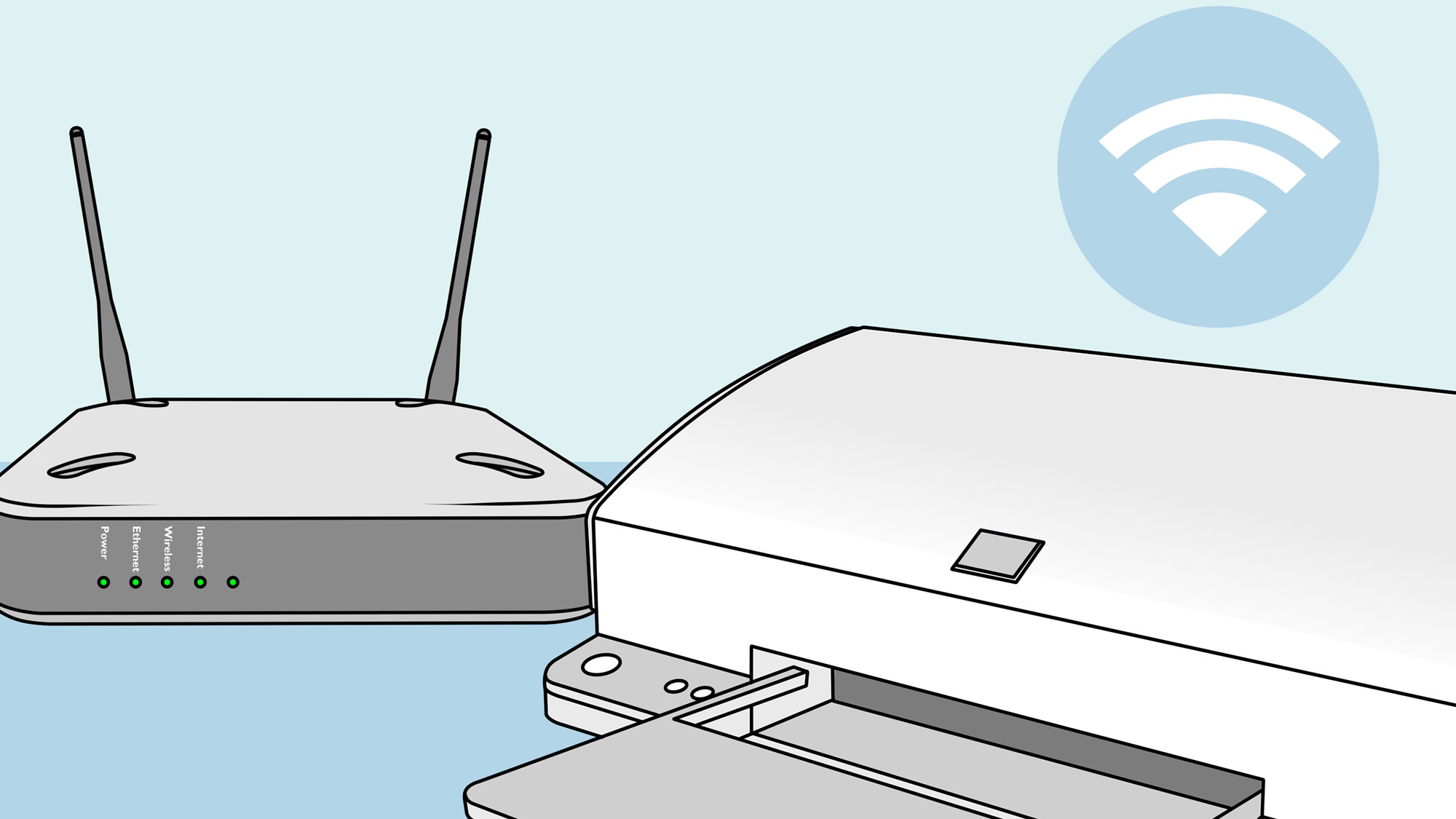
Installing printers, fixing “offline” errors, getting wireless printing working and scanning set up.
Wi-Fi and connection problems
Diagnosing slow or dropping connections and getting devices connected reliably.
Software and everyday help
Installing and fixing software, sorting out accounts, and explaining how things work at your own pace.
Remote or drop-off? Software and settings problems often suit remote support. Printer and Wi-Fi faults may need hands-on help. Can’t get to the shop? I can collect and return it, or visit you at home or work. About remote support
“Our family likes to support local small businesses. So we dealt with Computer Fixer Dumfries recently. James is very knowledgeable and efficient. We trusted his professional expertise to solve our computer problems. We recommend Computer Fixer Dumfries for your tech needs.”
Free advice
Try this first
A few things worth trying yourself before you get in touch. If they don’t do the trick, I’m happy to help.
- 01
Restart the router
Switch the broadband router off at the wall, wait 30 seconds and switch it back on. It clears many Wi-Fi problems.
- 02
Printer offline?
Turn the printer and computer off and on again, and check the printer is connected to the same Wi-Fi network as your computer.
- 03
Move the router
Routers work best up high and out in the open, not in a cupboard or behind the TV.
- 04
Write down passwords
Keep your Wi-Fi, email and Microsoft account details somewhere safe. They’re needed when setting up anything new.
How it works
What happens when you get in touch
- 1
Tell me the problem
Book online, log a job, call or drop in. Describe what’s happening in your own words.
- 2
Honest diagnosis
I find the real cause, whether that’s on a remote session or on the bench.
- 3
Agree before any work
You hear the options and likely cost first. Nothing goes ahead without your OK.
- 4
Fixed, tested, explained
The job is done properly, checked, and explained in plain English.
FAQ
Set-up, Wi-Fi & Printers: common questions
More answers on my FAQ page.
Can you move everything from my old computer to my new one?
Yes. I move your documents, photos, email and browser favourites, and make sure your important programs are installed.
Do you help people who aren’t confident with computers?
Absolutely. I explain things in plain English and never make you feel rushed.
What should I do with my old computer?
Once your files are safely moved, the old drive should be wiped before the computer is sold, donated or recycled, so none of your personal information goes with it.
You might also need
Related services
Email & Outlook
Sync problems on computers and phones, including Outlook and Microsoft 365.
Find out moreSmall Business IT
Practical IT help for sole traders and small businesses, on-site or remote.
Find out moreSpeed Up Your Computer
Get a slow laptop or PC running fast again with SSD upgrades, tune-ups and clean installs.
Find out more
Computer giving you trouble? Let’s get it sorted.
Give me a call. I'm James, and I'll tell you straight whether it needs remote support, a drop-off or a repair slot. No drama.
Prefer to type it out? Log a job online or message me on Facebook.
Qualified · Insured · 20+ years in IT · Ex-Royal Signals · 4.9★ from 50+ Google reviews